
The best dog wallpaper rarely begins with a perfect photograph. It begins with a real expression: the look your dog gives you when you call their name, the tilt of an ear, or that unmistakable shape of their nose. For LaifuDreams, photos help communicate those details before any illustration is planned. The examples on this page feature Jean Pierre, our tan dachshund, and Bernie, our Beagle–Basset Hound mix, alongside wallpaper artwork. We have not confirmed which exact photograph was used for each illustration, so these are not presented as verified one-to-one before-and-after pairs.
What makes a useful dog photo?
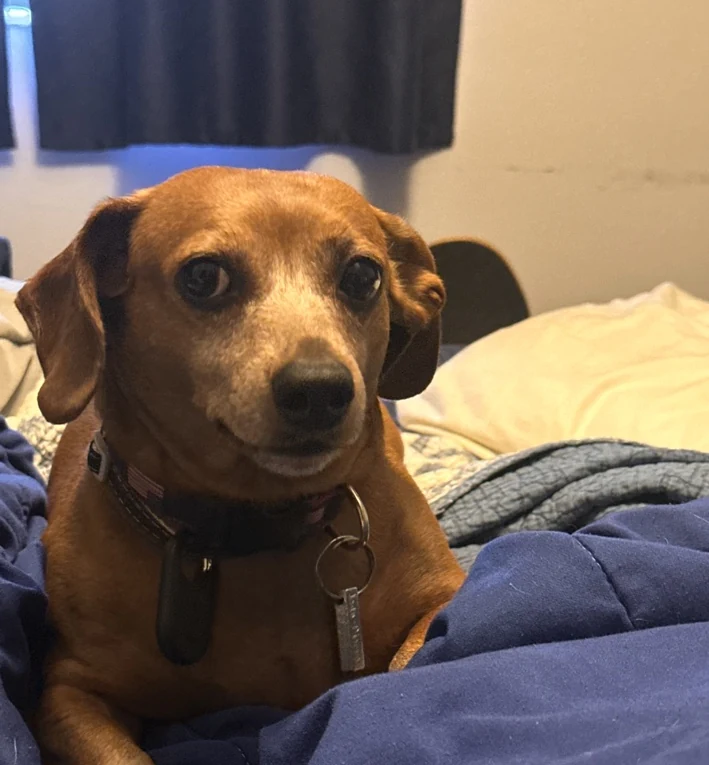
Start with the face. One of the photos in this guide shows Jean Pierre, a tan dachshund, looking straight at the camera indoors. The eyes, floppy ears, forehead, and muzzle are easy to see, even though the bed and room behind the dog are distracting. That is a useful reminder: the background doesn't need to be beautiful if the dog's features are recognizable.
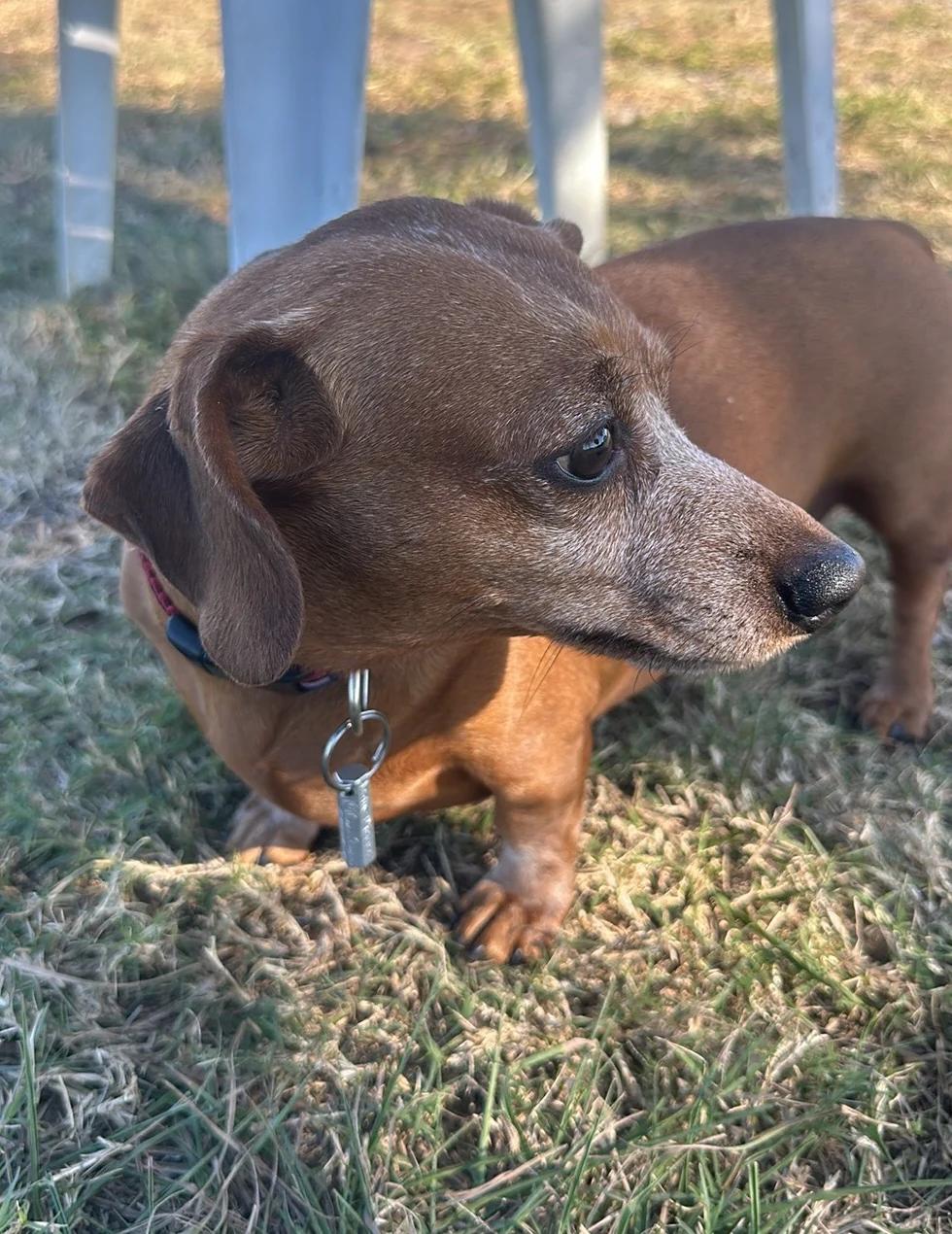
Compare that with the outdoor side-profile photo of Jean Pierre. It makes the long muzzle, ear shape, and side silhouette easier to study, but only one eye is clearly visible. A front-facing picture and a side view can help explain different features; neither has to carry the entire job.
- Choose one sharp, front-facing portrait where the eyes and nose are visible.
- Add a side view if ear shape, proportions, or markings matter.
- Prefer natural light or open shade; avoid harsh filters that change fur color.
- A full-body picture can help show a short-legged build, tail, or posture.
- Keep the original photo rather than sending a screenshot when you can.
Good photos are not always the prettiest photos
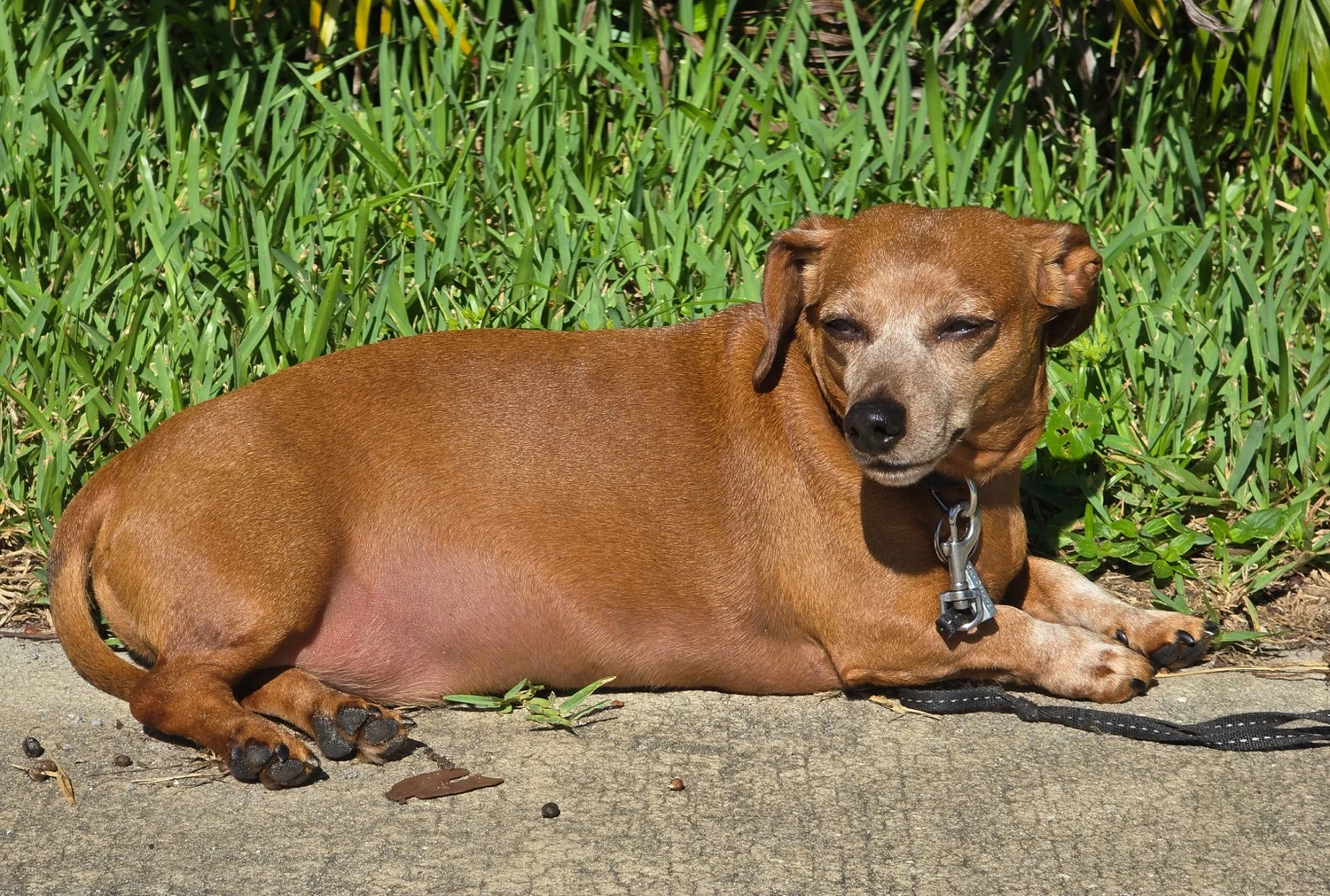
In another supplied photograph, Jean Pierre is resting in direct sunshine with his eyes partly closed. It is charming and gives a strong sense of personality, but the bright light and squinting make it less useful as a sole reference for the eyes. Keep a photo like this for mood and expression, and pair it with a clearer portrait when you want accurate facial details.
You can also use everyday photos taken at a park or at home. Before sending one, zoom in on the eyes and muzzle. If the dog is only a tiny part of a large scene, try adding another closer photo; digital zoom and heavy cropping can't restore details the camera never captured.
What changes when a photo becomes illustrated wallpaper?
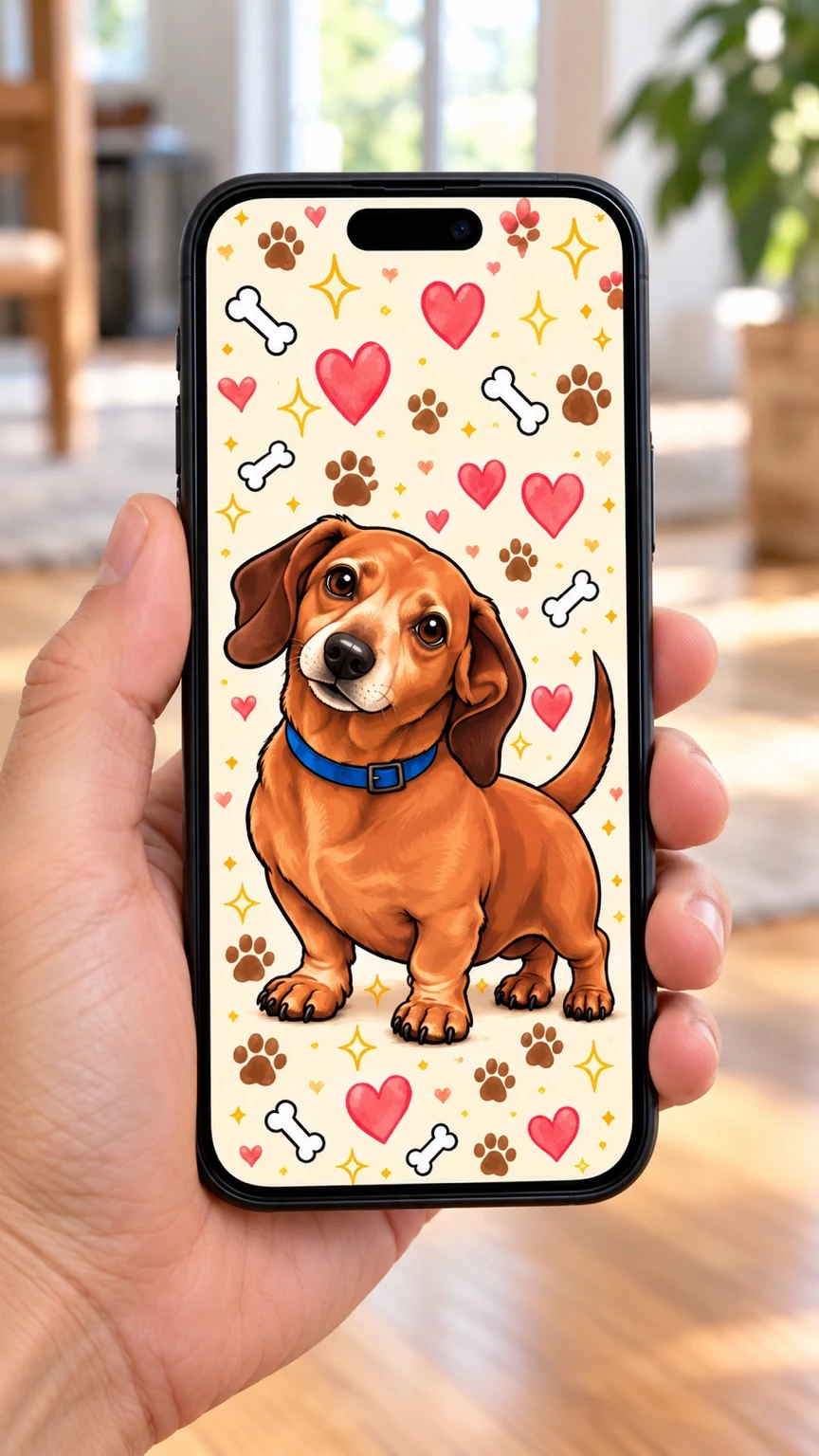
The Jean Pierre-themed phone design shown here uses a warm orange-brown dog illustration with a blue collar, oversized expressive eyes, and a playful cream backdrop filled with hearts, paws, bones, and stars. The goal of a design like this is not to reproduce the room where a photo was taken. It is to make the dog the focus while adding a recognizable LaifuDreams mood.
The artwork is shown inside a phone mockup, not as an actual iPhone lock-screen screenshot. When judging a final wallpaper, check the downloaded image on your own phone too: the clock, widgets, and crop can change what you see.
When coat markings change the design
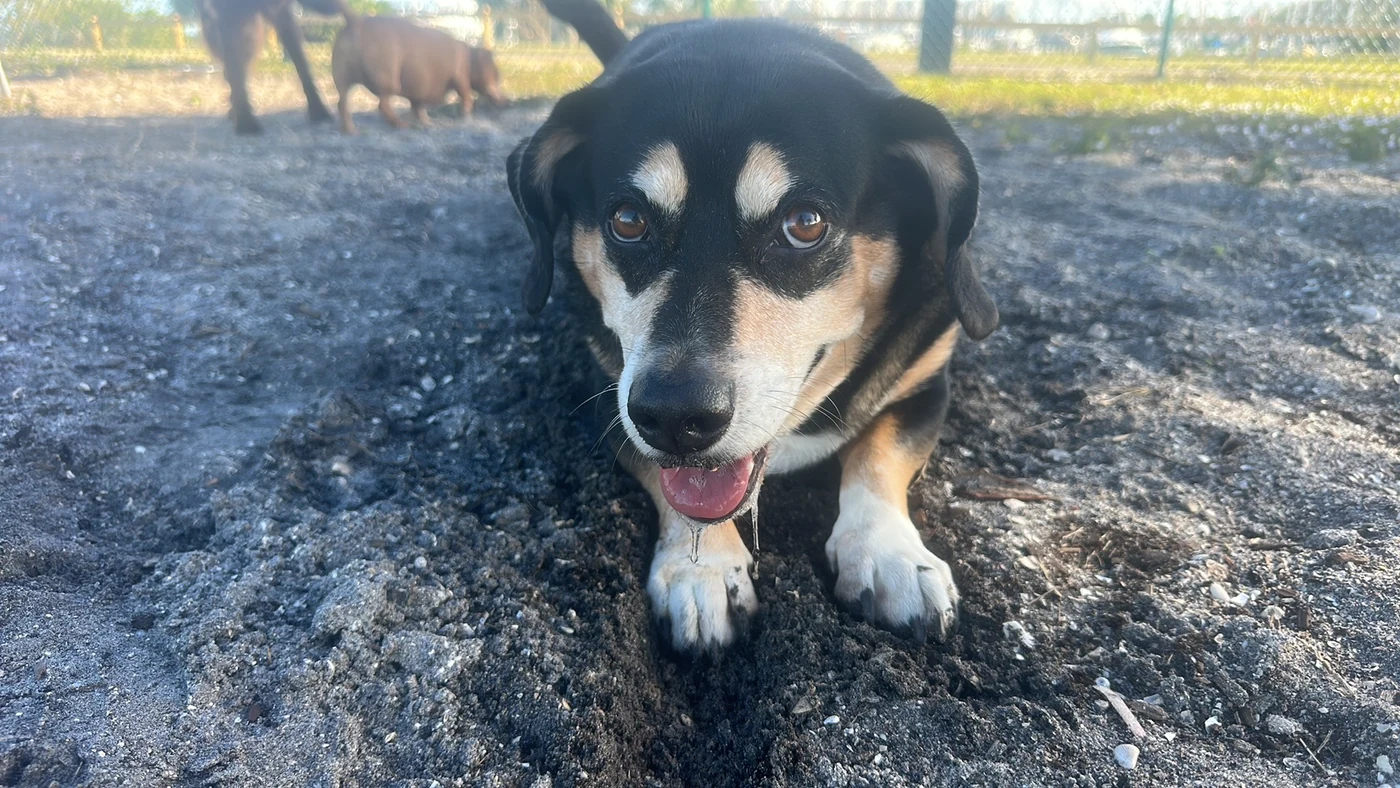
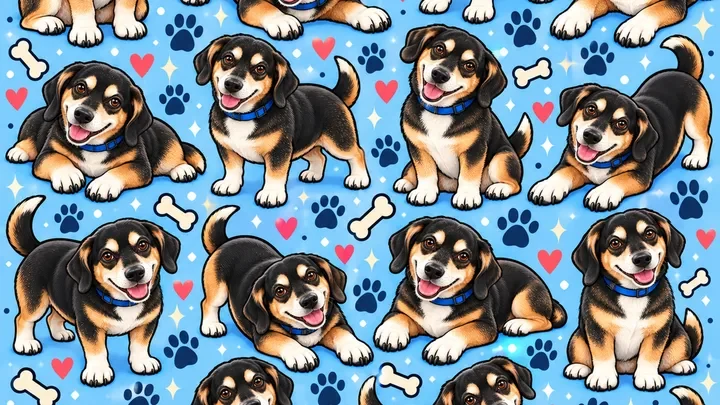
The photograph of Bernie, a Beagle–Basset Hound mix with a black-and-tan coat, is helpful because the cream eyebrow spots, dark ears, and pale muzzle contrast strongly with the coat. Alongside it, we've included a blue repeating dog-pattern design to show a different decorative direction. These are separate examples, not a documented direct conversion of that photograph into the pattern.
For dogs with contrasting markings, ask for a draft that keeps those features readable. Dark fur can disappear against a dark background, and simplified illustrations may accidentally move or soften distinctive spots. Check the face and paws at normal phone size, not only zoomed in.
Choose a composition for the screen you actually use
Phone wallpapers are tall. A beautifully drawn head near the top might conflict with the time display; a face at the very edge may be cropped by the screen. For a lock screen, ask for breathing room around the head and test the image at real size. If you also want a home-screen version, remember that app icons will cover different parts of the picture.
- Keep the head and eyes clear of the clock area.
- Check the ears and paws aren’t clipped by a device crop.
- Test how the background looks under icons and notifications.
- Compare a simple portrait with a more decorative pattern if you prefer different moods.
What to send when requesting custom pet artwork
A short description can be more helpful than a long style prompt. Explain your dog's name, the features you'd most want preserved, and how you will use the finished wallpaper. For example: 'Please keep the floppy ears, warm brown coat, and blue collar; I'd like a cheerful phone wallpaper with open space at the top.' Include a favorite front photo and an optional side or full-body photo.
LaifuDreams currently describes custom-pet orders as including a preview and one minor revision, with deliverables varying by package. Check the live package description for the exact files and terms before ordering. You can also try the free Bernie and Jean Pierre wallpapers to see how decorative art feels on your own screen.
The takeaway: recognizable details beat perfect photography
You don't need a professional photoshoot to get started. A sharp face photo, a second angle when needed, and a few notes about your dog's personality provide a practical foundation. Above all, take time to compare the finished artwork with your real dog: the eyes, muzzle, coat markings, and expression are what will make the wallpaper feel personal.