MEET BERNIE
Bernie
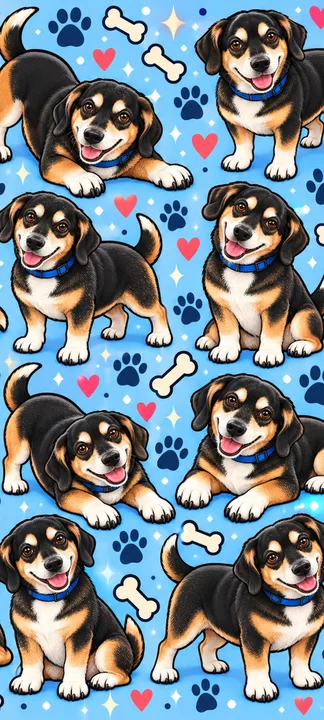
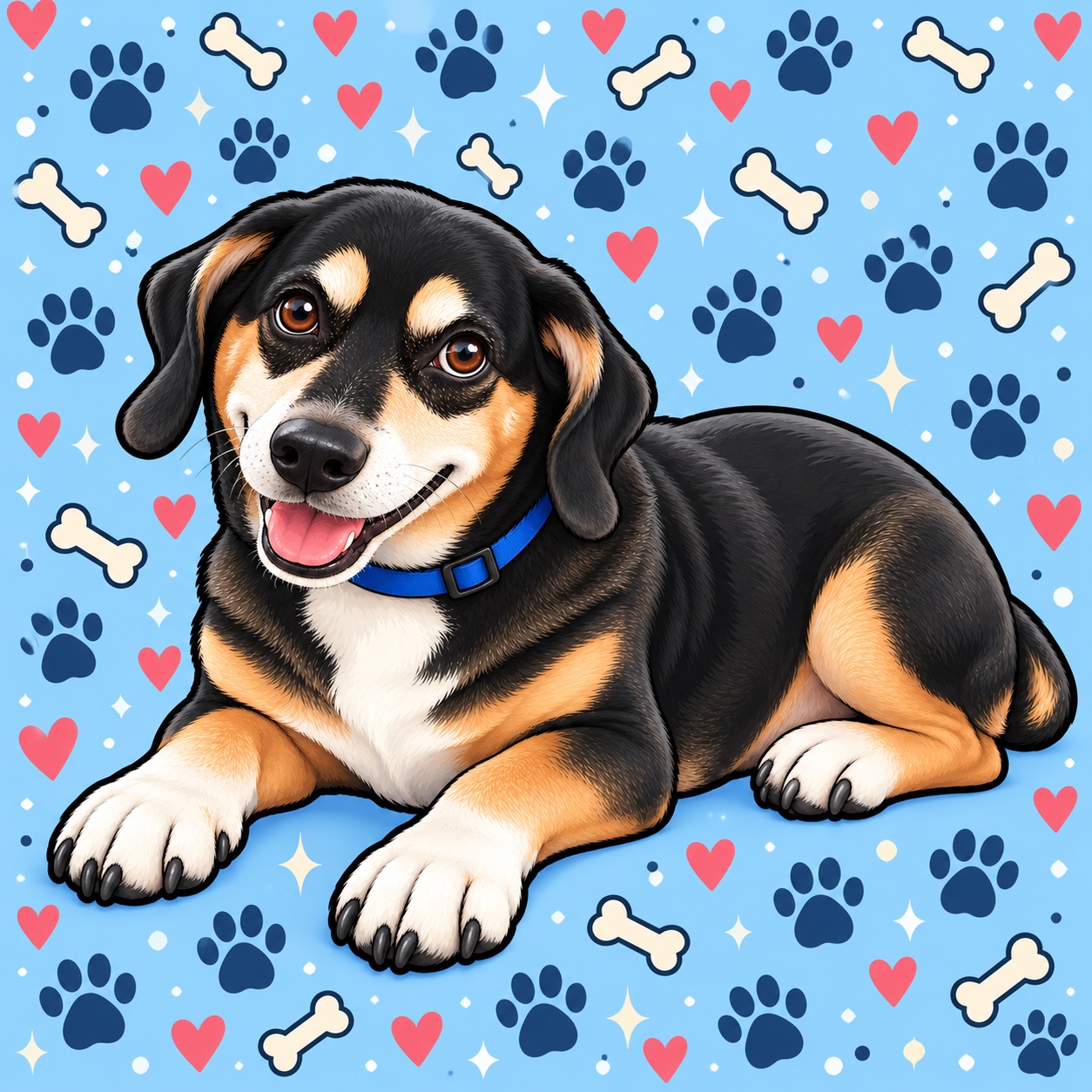
Tan eyebrows, white paws and a bright blue backdrop. Bernie brings a cheerful mix of hearts, bones and paw prints.
Download phone sample ↓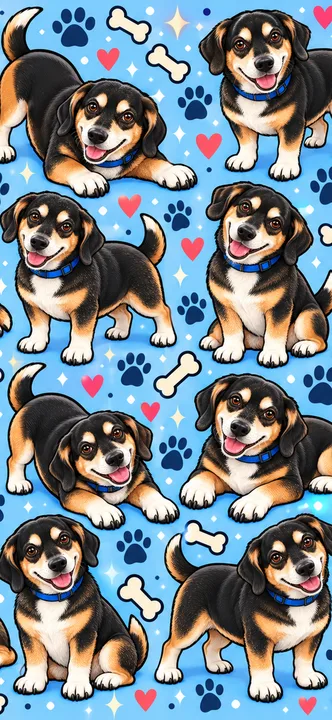
332 × 720 · WebP. A small sample for trying the style.
Two real dogs, ready to keep your screen company. Choose a free sample, then use the guides below to get a comfortable fit.
Free downloads · No signup · Personal useTan eyebrows, white paws and a bright blue backdrop. Bernie brings a cheerful mix of hearts, bones and paw prints.
Download phone sample ↓332 × 720 · WebP. A small sample for trying the style.
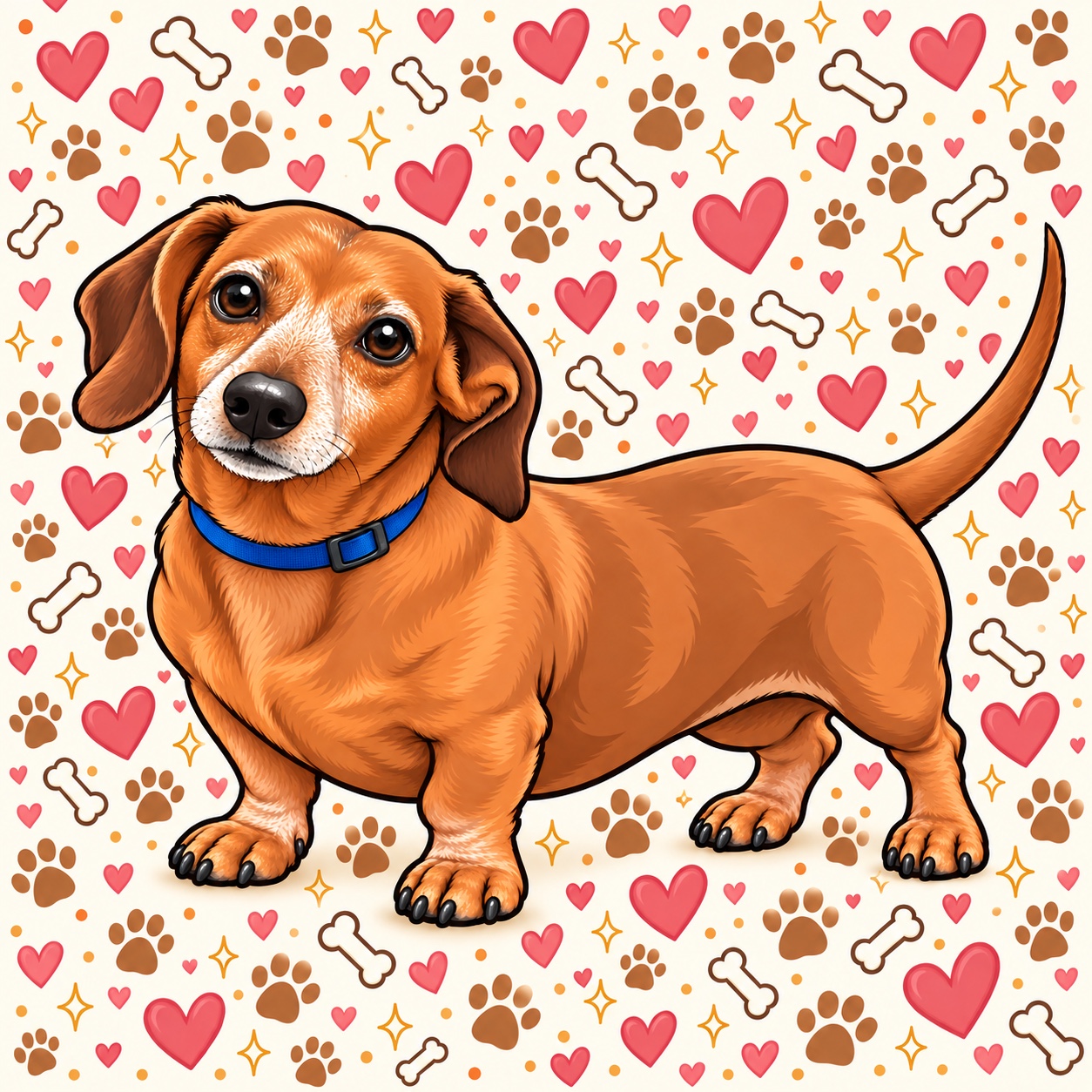
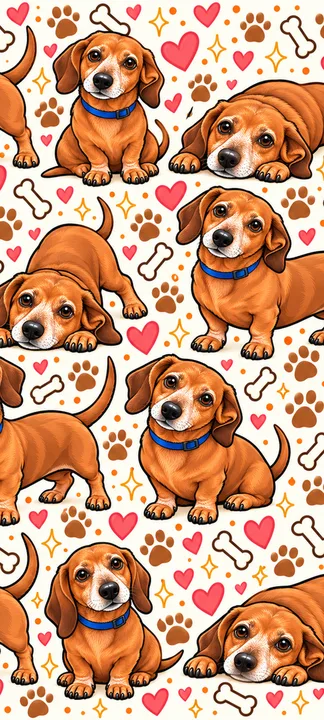
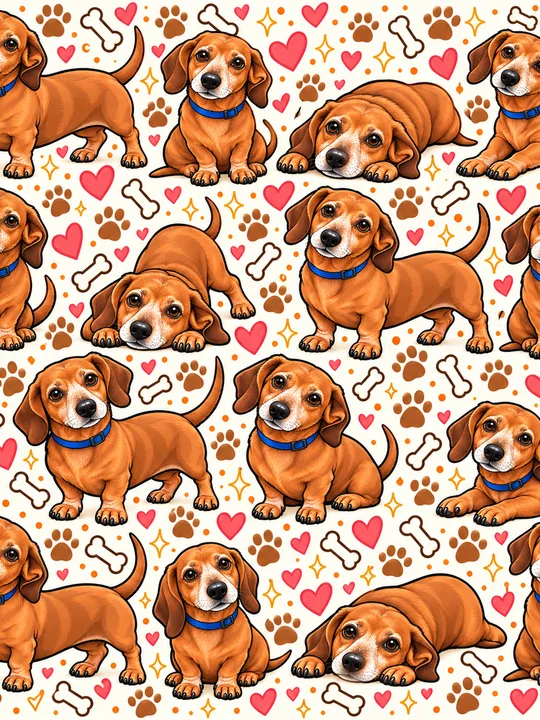
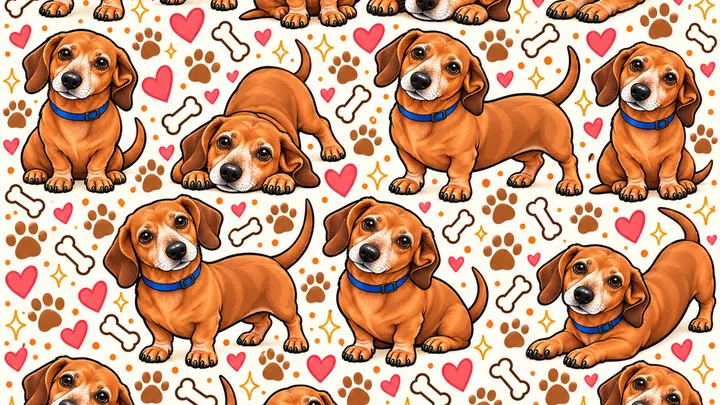
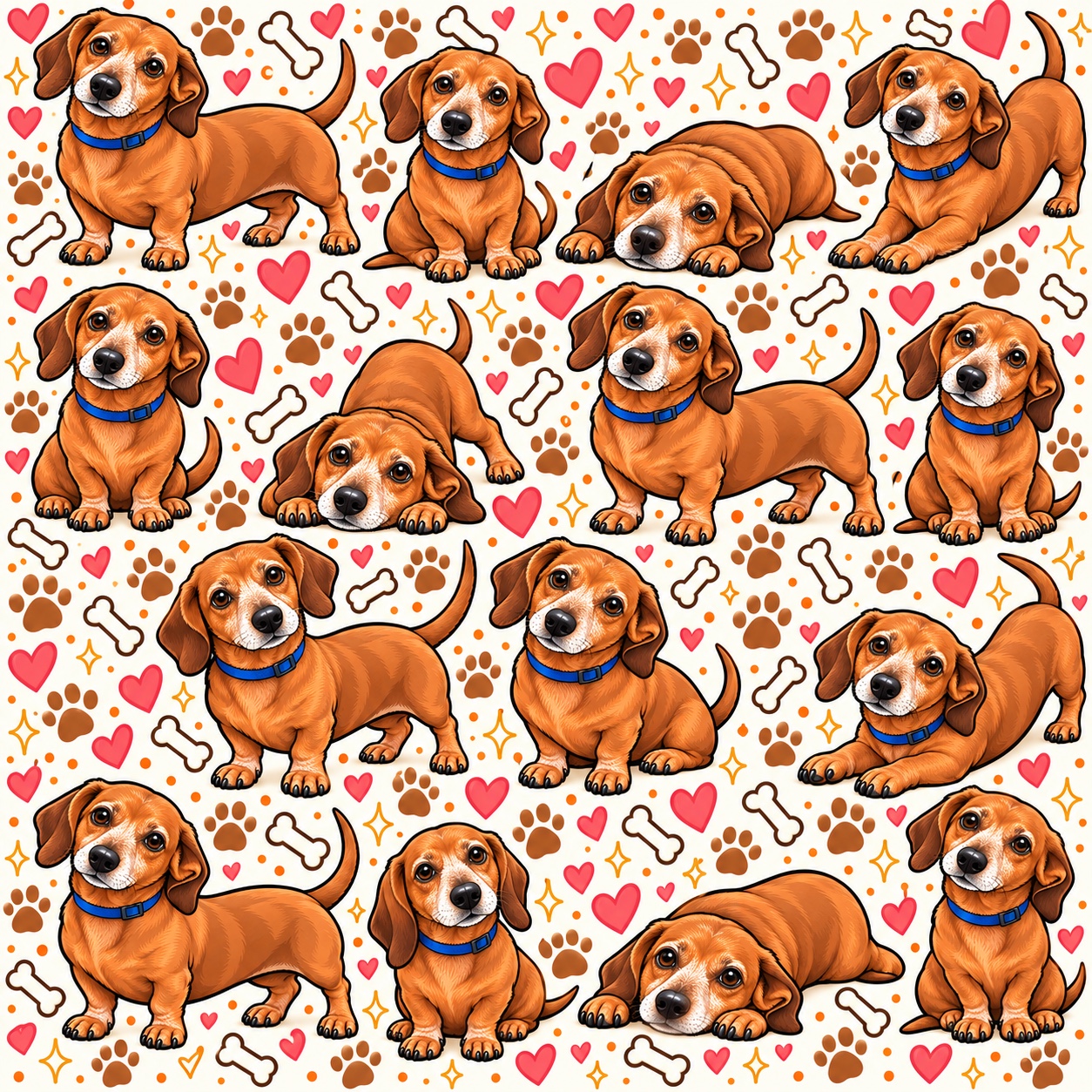
A long little silhouette, warm cinnamon tones and a blue collar. Jean Pierre brings his charm to a cream-colored illustrated scene.
Download phone sample ↓324 × 720 · WebP. A small sample for trying the style.
The phone images are tall, the tablet images are a little wider, and the landscape images suit a wide screen. The square JPGs offer another way to try the artwork, but a phone will usually need to crop them. A sample's dimensions describe the image, not a guarantee that it fills every device without cropping.
| Shape | Size and format | Good starting point |
|---|---|---|
| Phone | 332 × 720 or 324 × 720 WebP | A tall phone screen. Bernie includes both widths; Jean Pierre includes 324 × 720. |
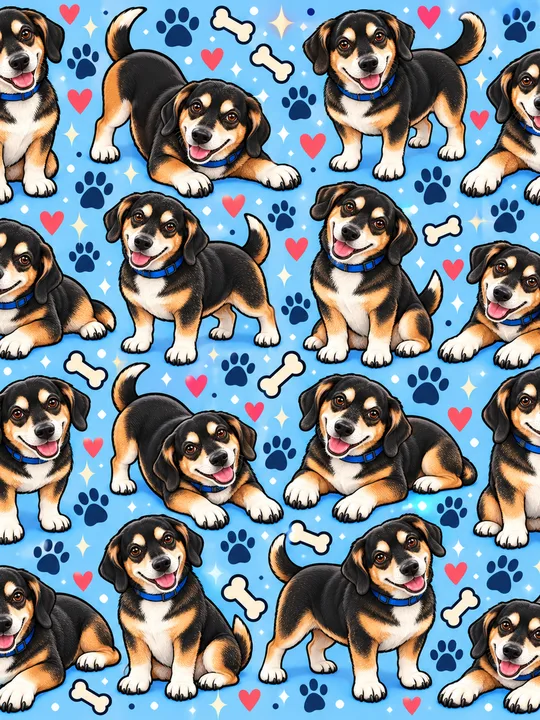
| Tablet | 540 × 720 WebP | A portrait tablet preview; check the crop after rotating. |
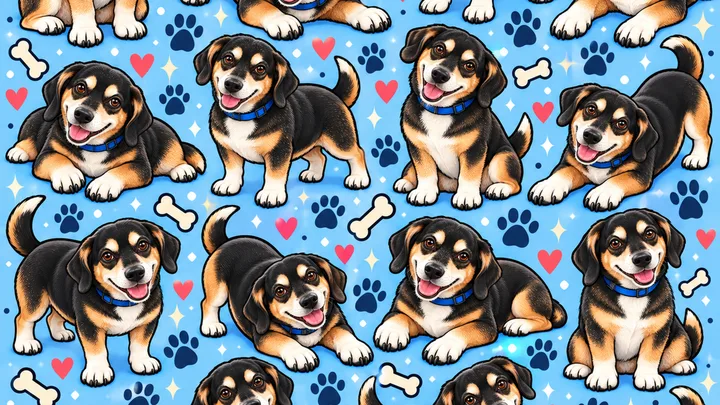
| Landscape | 720 × 405 WebP | A wide display sample. |
| Square | 1254 × 1254 JPG | An alternative when your wallpaper picker does not accept WebP. |
Try the tall WebP sample first if your device accepts it. If your wallpaper picker cannot open that format, choose a JPG under “All sizes & JPG options.” The available JPGs are square compositions, so they will not produce the same crop as the phone WebP. Changing a file's extension does not convert its format or add detail.
The setup guide has separate instructions for iPhone, iPad, Android, Mac and Windows. If the file opens but the pet is cut off, the cropping guide explains what to adjust.
These designs are based on Bernie and Jean Pierre, whose photographs appear alongside their illustrated portraits on LaifuDreams. Bernie's eyebrows and paws, and Jean Pierre's long shape and lighter muzzle, are details you can compare between the photos and artwork. The illustrations use AI assistance and personal review.
See the reference photos, portraits and multi-pose artwork →
Leave room around the clock when choosing a portrait crop. With a repeated design, try a position that keeps the busiest details away from the time and widgets. Check your lock screen and home screen independently: the same image can look quite different behind notifications and app icons.
These samples are for personal wallpaper use. Please do not resell, redistribute or use the files commercially. If a friend would enjoy them, share this page so they can choose their own download. Read the personal-use license or contact us if you need help.