Ragdoll Dreams — Fluffy Edition
Secure checkout and instant file delivery are handled by Payhip.
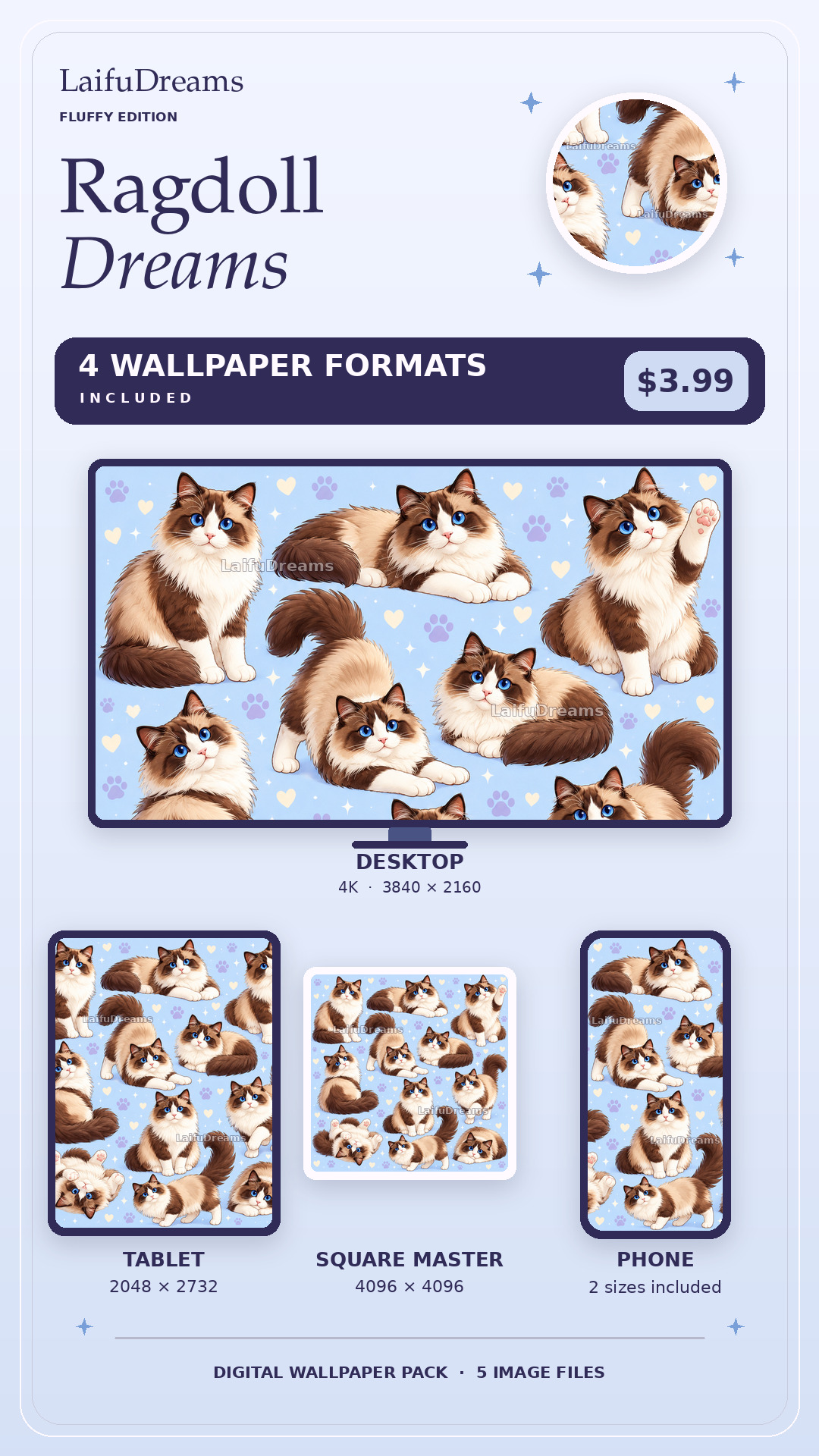
See all four wallpaper formats
A little more about this design
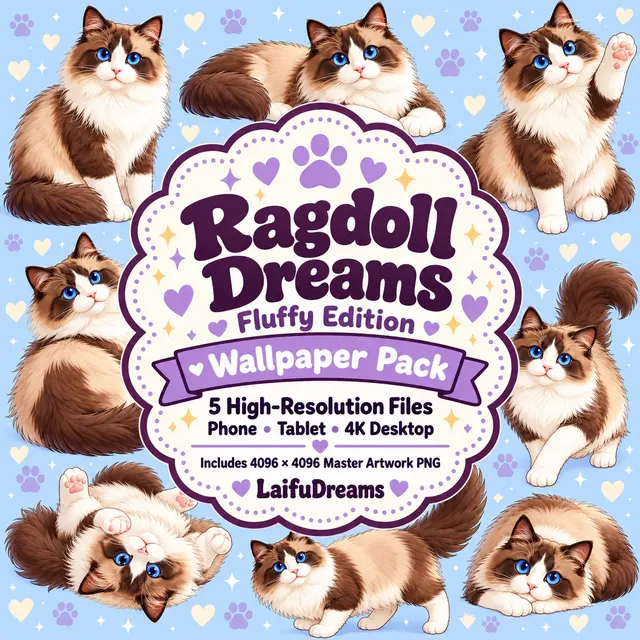
Fluffy Edition brings a blue-eyed, cream-and-brown Ragdoll character to a powder-blue illustrated background. Sitting, stretching, reclining and paw-up poses show off the fluffy tail and light chest, with pastel hearts, paw prints and small sparkles filling the spaces between the cats.
Fluffy is the fictional, AI-generated cat used in LaifuDreams' demonstration artwork. This ready-made collection is for cat lovers who enjoy a soft palette and an expressive, fluffy character; it is not a portrait of a customer's pet. For artwork based on your own cat, explore the separate Your Pet Dreams service.
Choose a suitable device image from the download contents listed below and check the crop around your clock and icons. The listed master artwork provides an additional square image for personal cropping; a square master is not automatically a seamless pattern. Use the purchased files when setting a wallpaper rather than saving the branded product-cover preview.
Created with AI assistance and personally reviewed for the LaifuDreams collection. Ready-made digital pack, not a personalized pet portrait. Personal use only.
What's included
- 1290 × 2796 Phone JPG
- 1440 × 3200 Phone JPG
- 2048 × 2732 Tablet JPG
- 3840 × 2160 4K Desktop JPG
- 4096 × 4096 Master Artwork PNG
How to use your wallpapers
- 1Download the ZIP
After checkout, save your LaifuDreams download to your device.
- 2Open the folder
On iPhone or iPad, open the ZIP in Files and tap it once to extract the wallpaper folder.
- 3Save your favorite
Open the wallpaper you want, tap Share, then choose Save Image.
- 4Set your wallpaper
Open the image in Photos and choose Share → Use as Wallpaper.
Made simple
- Instant digital downloadNo physical item will be shipped.
- High-resolution filesUse the size that best matches your screen or project.
- Personal-use licensePlease don't resell or redistribute the downloaded files.